
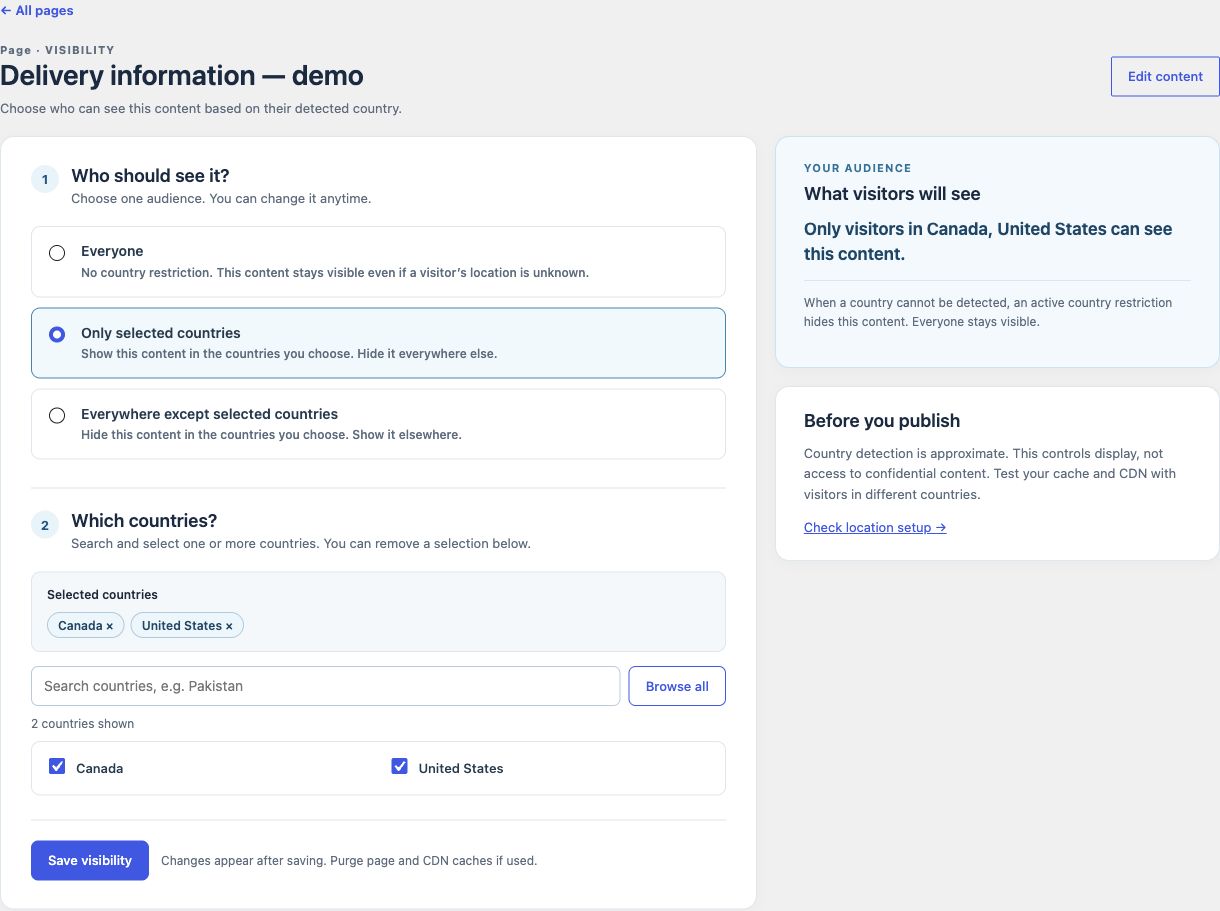
WPLocation Free is now available in the WordPress.org Plugin Directory. You can install the Free plugin from your WordPress dashboard and start creating country audiences for your content.
Update, 4 November 2026: Free 1.1.10 is now available with a redesigned dashboard and searchable country editors. Read the upgrade guidance before updating an older installation.
Install Free from WordPress
- Open Plugins → Add Plugin in your WordPress dashboard.
- Search for WPLocation and look for WPLocation – Geolocation and Country Rules by Jazib Zaman.
- Select Install Now, then Activate.
- Configure a current licensed GeoLite2 Country database in WPLocation → Settings and confirm the source in Diagnostics.
- Save a test audience, check an allowed and a denied country, then test the real page and its cache.
WPLocation Free 1.0.0 supports WordPress 6.8+ and PHP 7.4+. It includes post, page and category audiences, the Country visibility block, prefixed shortcodes, Diagnostics and a private activity log. No paid WPLocation license is required. A country database is not bundled: use a current licensed private file or your own MaxMind account. Database downloads and automatic update checks are opt in.
Follow the installation guide →
One Free plugin, one update channel
WPLocation Free is distributed and updated through WordPress.org. Pro and specialist add-ons are available from WPLocation.com. The applicable improvements from earlier website builds now ship in Free 1.1.10, with compatibility, upgrade and rollback checks completed before release.
Keep Free active when adding Pro
Pro 1.4.5 supports WPLocation Free from WordPress.org and requires PHP 8.3+. It adds WooCommerce country rules, Geo Redirects, WooCommerce Markets, Forms & Campaigns and opt-in Geo Analytics. Free provides the shared country engine; Pro is installed as a second plugin.
Already using the original standalone 1.0.0?
The older standalone plugin and the new directory release share a version number but are different builds. Do not overwrite an old installation without preparation: its bundled country database is removed when its plugin folder is replaced. Back up first, prepare a current private database, review saved rules and convert legacy shortcodes where needed. Follow the legacy upgrade steps.
Release notes and support
The changelog now tracks Free, Pro and separate add-ons independently. For safe public technical questions about the Free plugin, use the WordPress.org support forum. Send Pro, billing, licensing and account questions through private WPLocation support.
IP location is approximate. Country rules personalize content; use authentication and access controls for confidential information, and test your page cache and CDN before relying on a public result.
Leave a Reply